





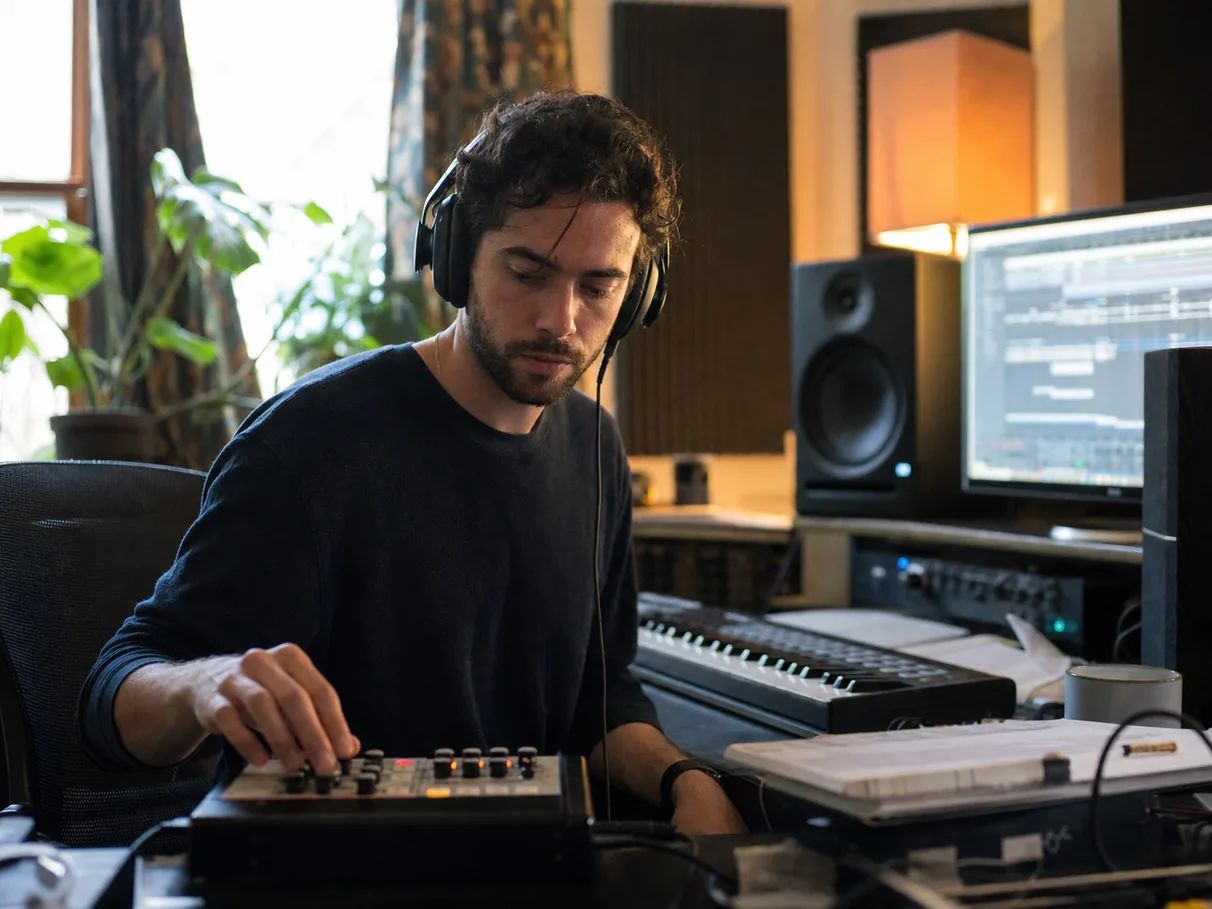
01
Music producers
Beat block, solved: generate reference tracks, split them into stems to study or sample, and audition four style directions before you ever open your DAW.
A mood, a melody, a sonic landscape — let's bring it to life.
Chat with the Music Agent or fill in Custom mode — describe a mood, story, or style, or paste your own lyrics. You get complete songs with vocals, and every idea can branch into directions you compare side by side.
Treat the first take as a draft. Remix the style, extend the arrangement, rewrite one section on the waveform, split stems, regenerate the cover — every step stays connected on the canvas.
Master the final mix, download your song cleared for commercial use, and share a public track page others can remix.
From producers sketching ideas to artists shipping releases — the workflow adapts to where music fits in your life.
Beat block, solved: generate reference tracks, split them into stems to study or sample, and audition four style directions before you ever open your DAW.

Hear your lyrics sung back in minutes. Paste your words, pick a voice and style, then iterate on melody and arrangement until it matches the song in your head.

Licensed, royalty-free music for videos, streams, and podcasts — with stems, so the vocals can duck under your voiceover and the beat can carry the outro.

Go from idea to release-ready without a studio budget: master the final mix, grab your commercial license and cover art, and publish on your terms.
Start with a theme, story, or description when your lyrics are not finished.
Turn finished lyrics into melody, vocals, harmony, and arrangement.
Turn a subject, point of view, flow, and beat direction into a complete rap track with vocals.
Build a country song around a story, era, and sound.
Create a birthday song from the person and your shared story.
Use Lacuna's broadest creation workflow when you want to move among complete songs, standalone vocals, beats, and instrumentals.
Describe the song you want — or paste your own lyrics — and pick a direction. Lacuna generates a full song with vocals and instrumentation, then keeps the whole journey on one canvas: remix, extend, rewrite sections, split stems, and master until it is release-ready.
Yes. Sign in and you get free monthly credits to generate and listen to full songs with vocals. Downloads and commercial use come with any subscription plan, and Pro adds a license certificate in your name.
Yes. Generate songs with AI vocals, lyrics, melody, and instrumentation, or switch to instrumental when you want music without a singer. Vocal language support depends on the model you choose.
Yes. Leave the lyrics out and the Music Agent writes them, or open the lyrics panel and use AI Muse to inspire, polish, or extend your lines. Want to work on the words first? Try the AI Lyrics Generator.
Any genre or blend you can describe — pop, rock, hip hop, R&B, K-pop, EDM, lo-fi, folk, cinematic, and more. Vocal languages depend on the model: Reverie covers the most, with 10+ languages, and every model sings in English, Spanish, Portuguese, French, Japanese, and Korean.
No. Describe the song in everyday words — a feeling, a story, a place — and the Music Agent turns it into style directions, lyrics, and a finished track. Custom mode and the editing tools are there when you want more control.
That's the point. Remix it into another style, extend it from the point you choose, or box-select a section on the waveform and rewrite just those bars — the lyrics stay time-aligned throughout.
Both, on the same canvas. Split any track into 2, 4, or 6 stems — vocals, drums, bass, instruments — and master it against one or more reference sounds, exported as WAV or MP3. To match a reference track of your own, use AI Mastering; for stem files you can take into a DAW, use the Stem Splitter.
Yes — tracks you generate are cleared for commercial use in videos, ads, podcasts, and monetized content. Pro plans include a downloadable commercial license certificate issued in your name.
It depends on the song you want to finish. Look for full songs with vocals, control over lyrics and style, and a way to fix the parts you don’t like. Lacuna lets you pick the model for each song — from the widest range of styles to lyrics sung exactly as written in the most vocal languages — and rewrite any section afterward instead of starting over.
Most AI song generators hand you an MP3 and stop. Lacuna treats the first song as step one: a canvas that keeps every version connected, with section editing, stem separation, mastering, analysis, and licensing on the path to release.
Generate the song, shape the arrangement, master it, and release it — free to start.