
01
Singers and cover artists
Drop a backing track into a key you can actually sing, instead of straining at the top of a chorus written for someone else.
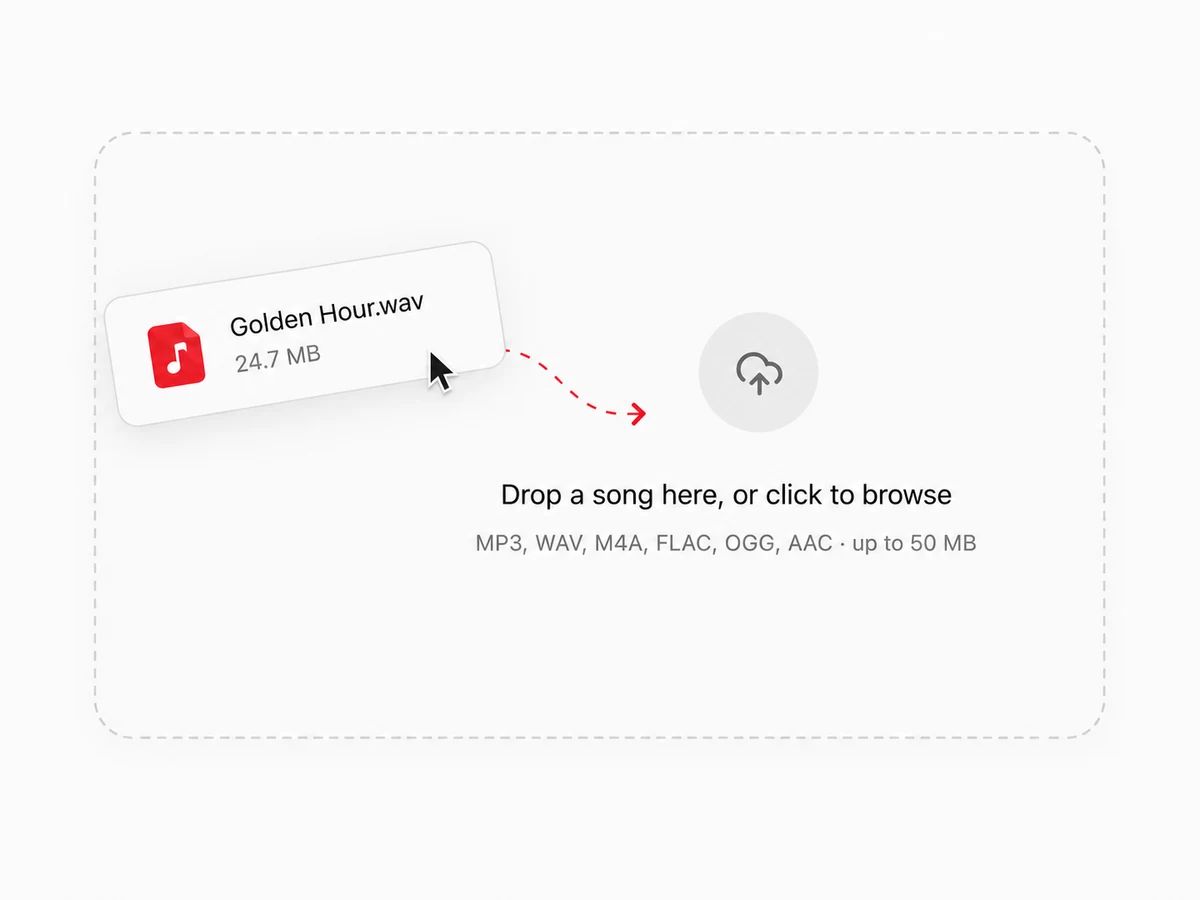
Drop in a track. It reads the original key first, so you can pick where you want it instead of guessing at semitones.
Everything happens in your browser. The file is never uploaded, and there is no account to make.
Any backing track, karaoke version, sample or full mix. The pitch changer reads it locally — the file never leaves your device, so there is no upload wait.
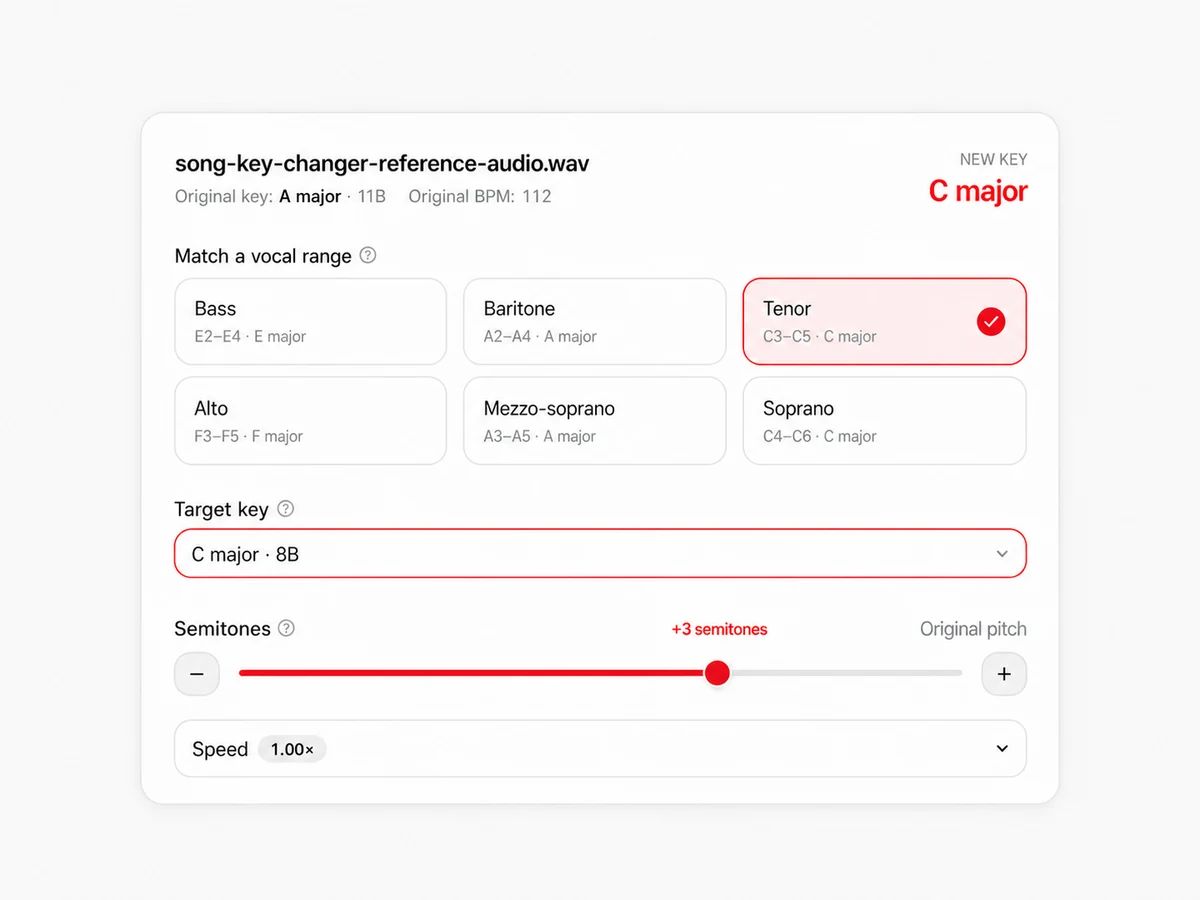
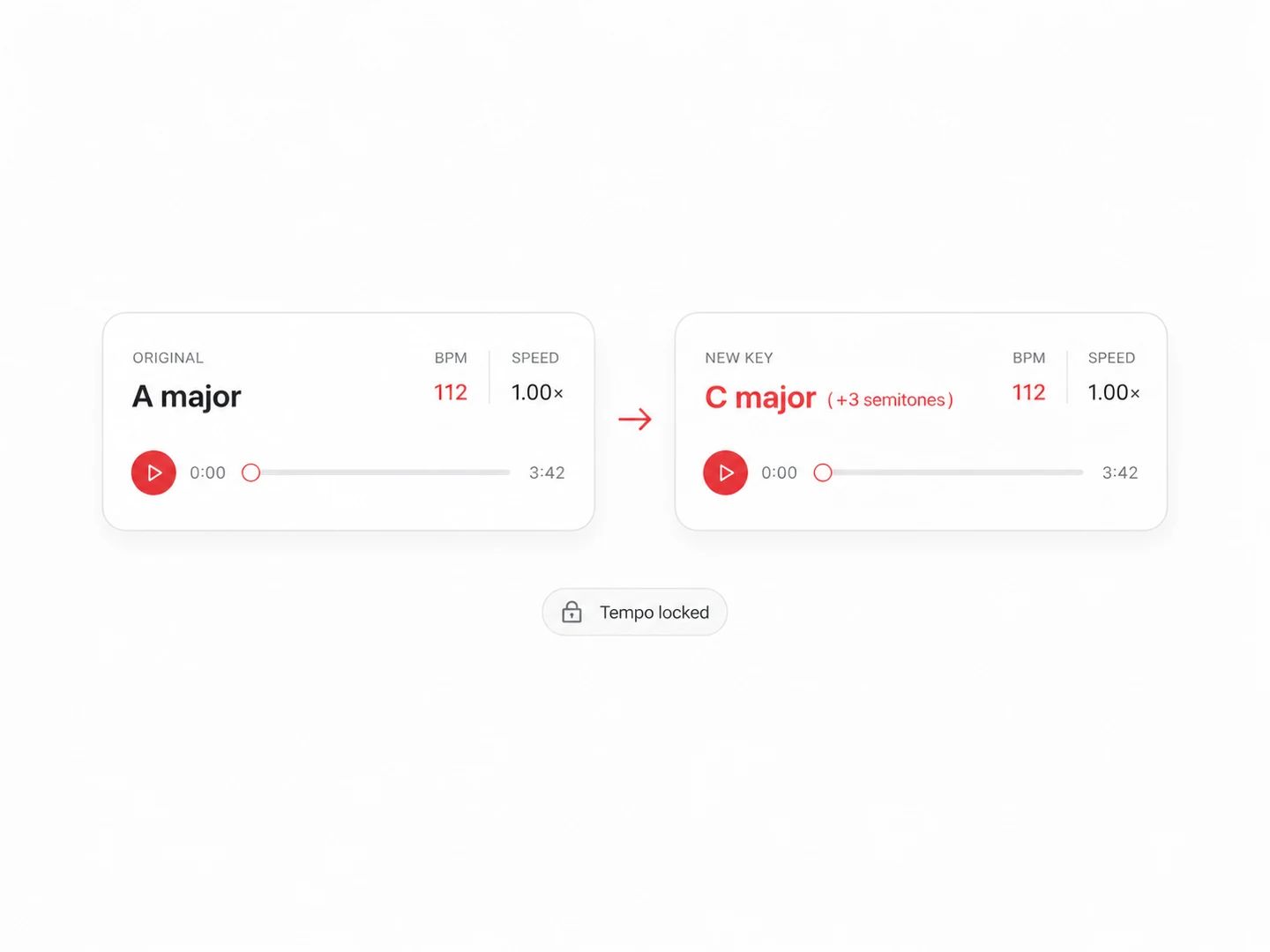
Step by semitones, choose the target key outright, or pick a voice type and let it transpose the song into that range. The tempo stays exactly where it was.
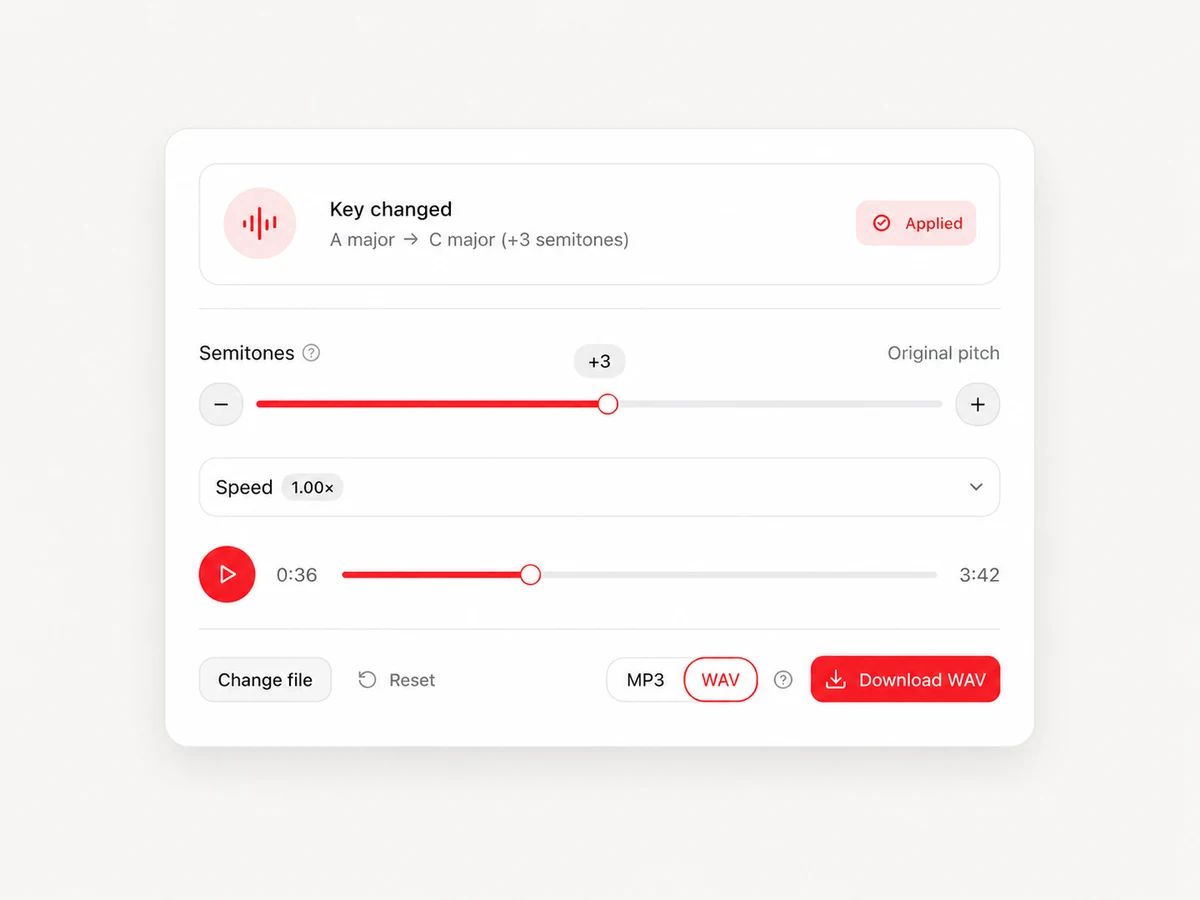
Preview updates as you move the controls — no re-render between takes. When it sits right, export it as an MP3 or a WAV, with no watermark.
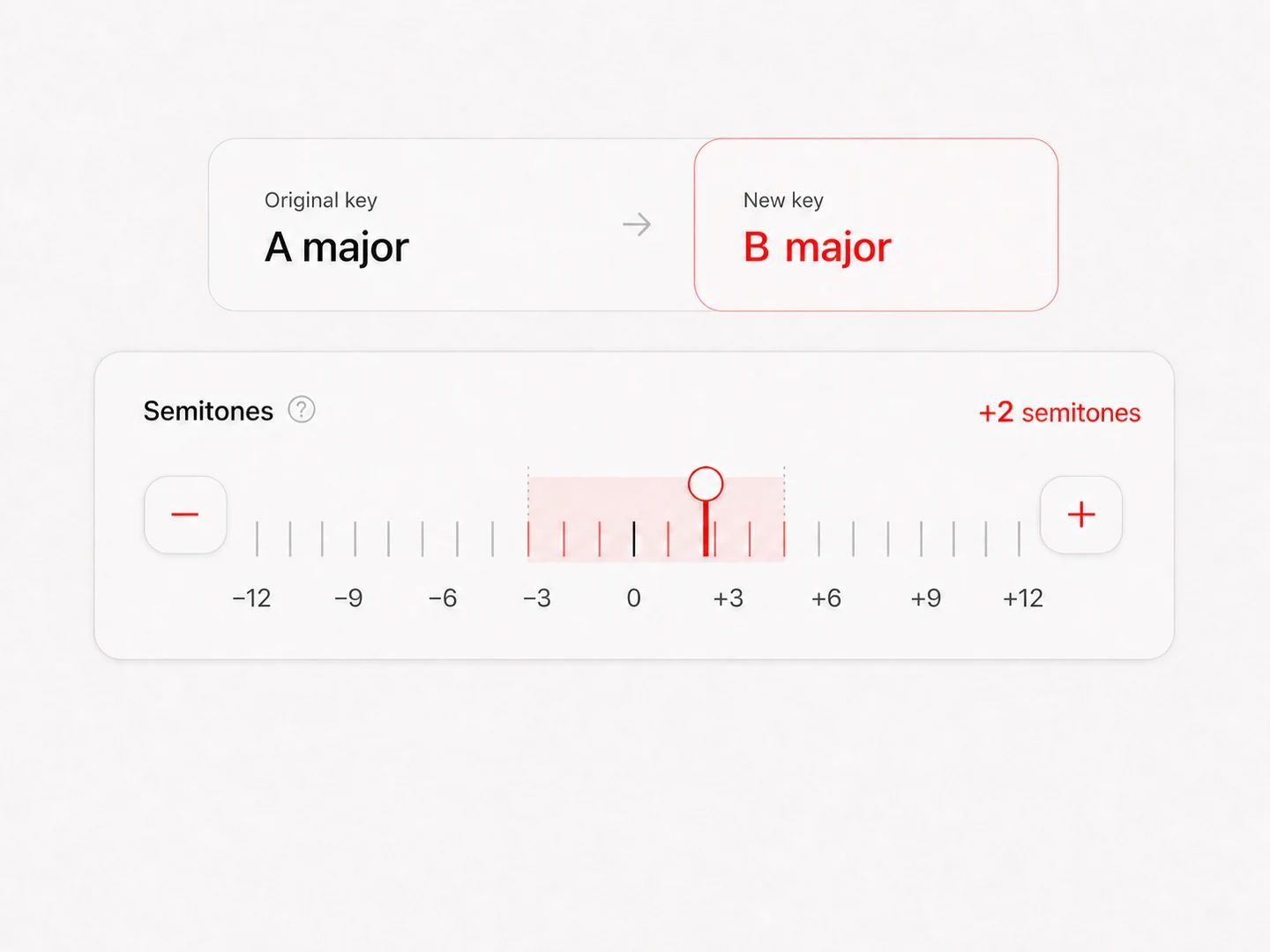
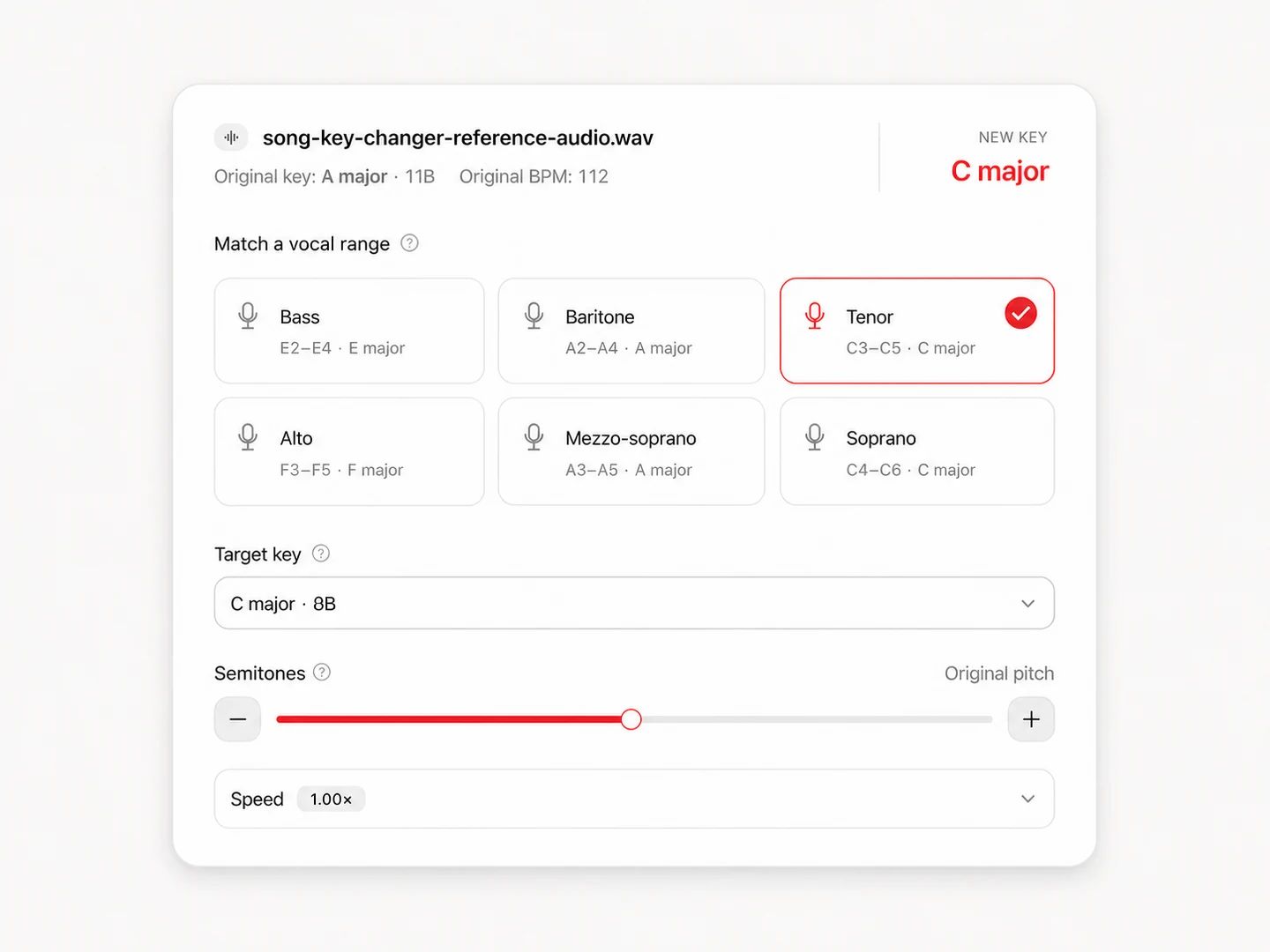
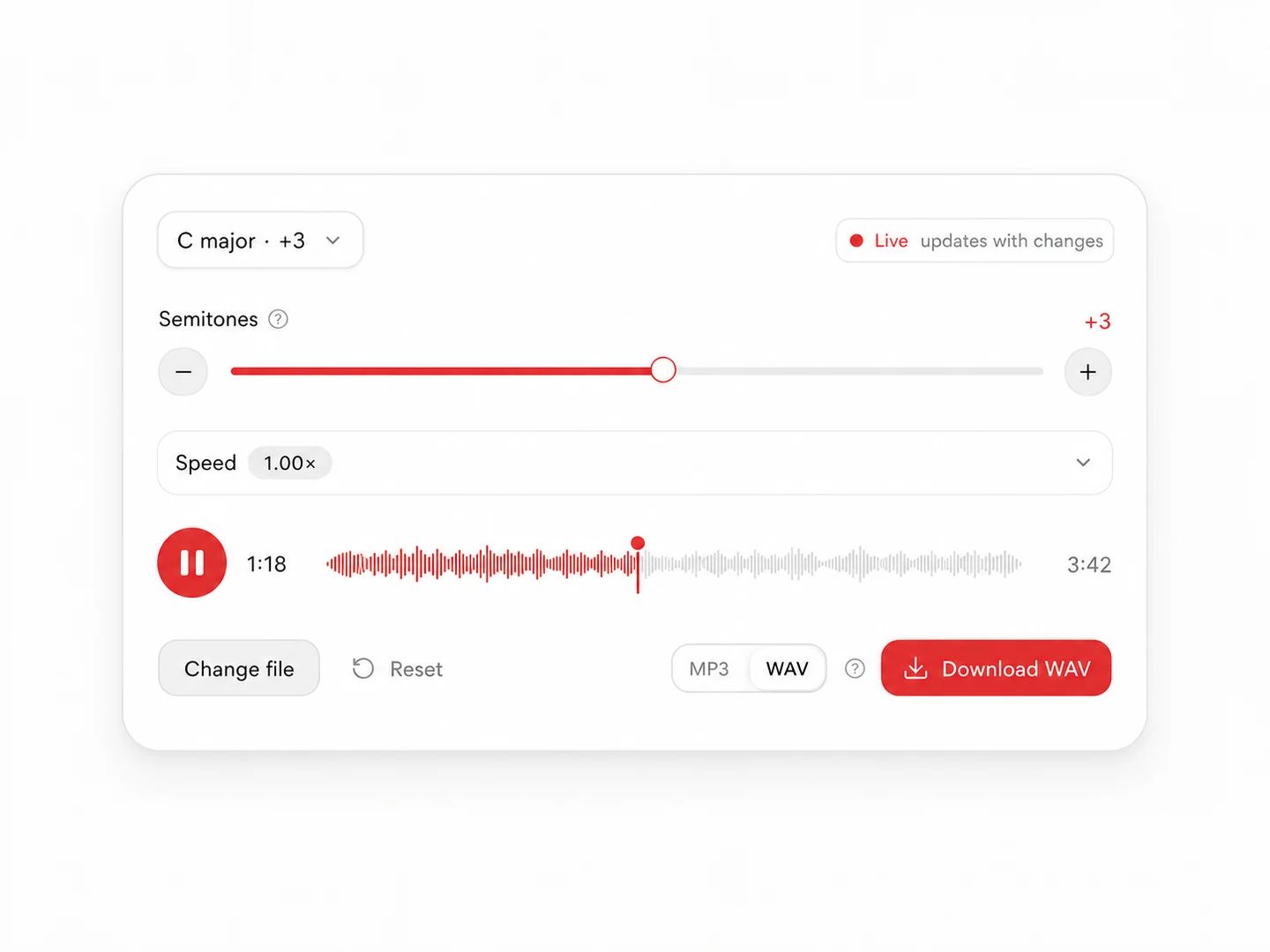
The key a record was cut in has nothing to do with the key you need it in.
Drop a backing track into a key you can actually sing, instead of straining at the top of a chorus written for someone else.
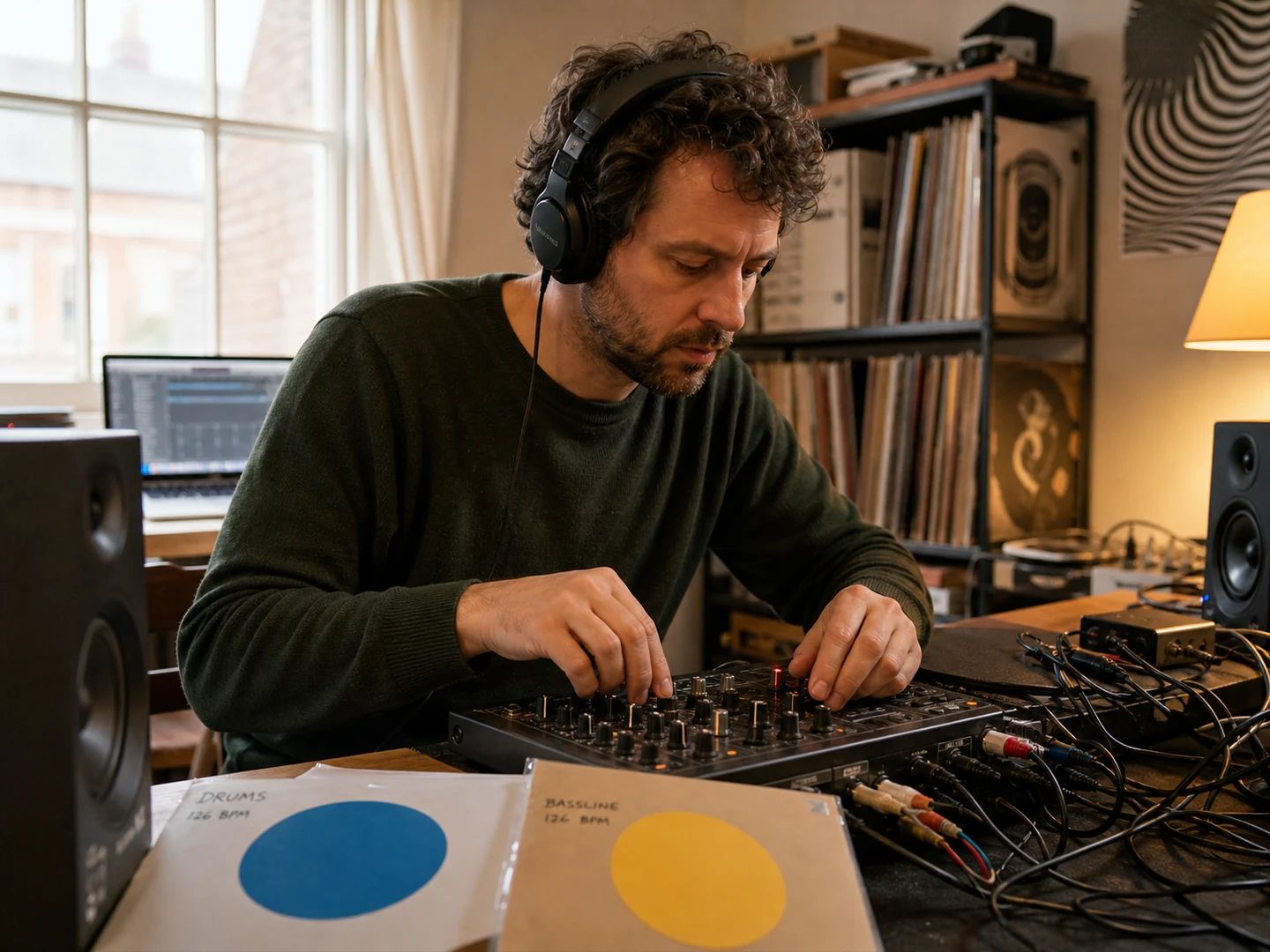
Move one track to meet the other, then check the Camelot codes to confirm they sit together.
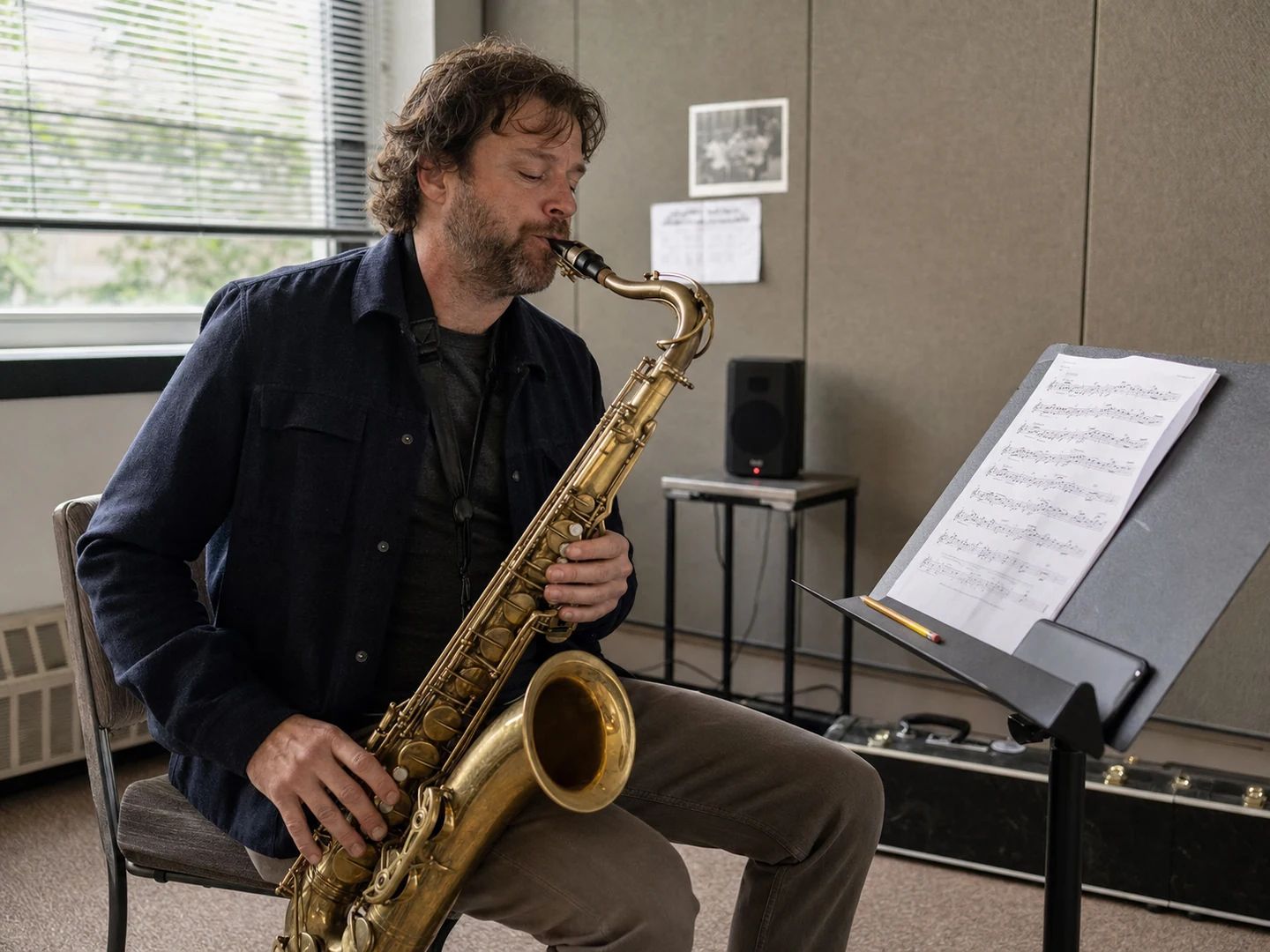
Put a play-along in a key that works for a B♭ horn, a capo position or an open tuning.
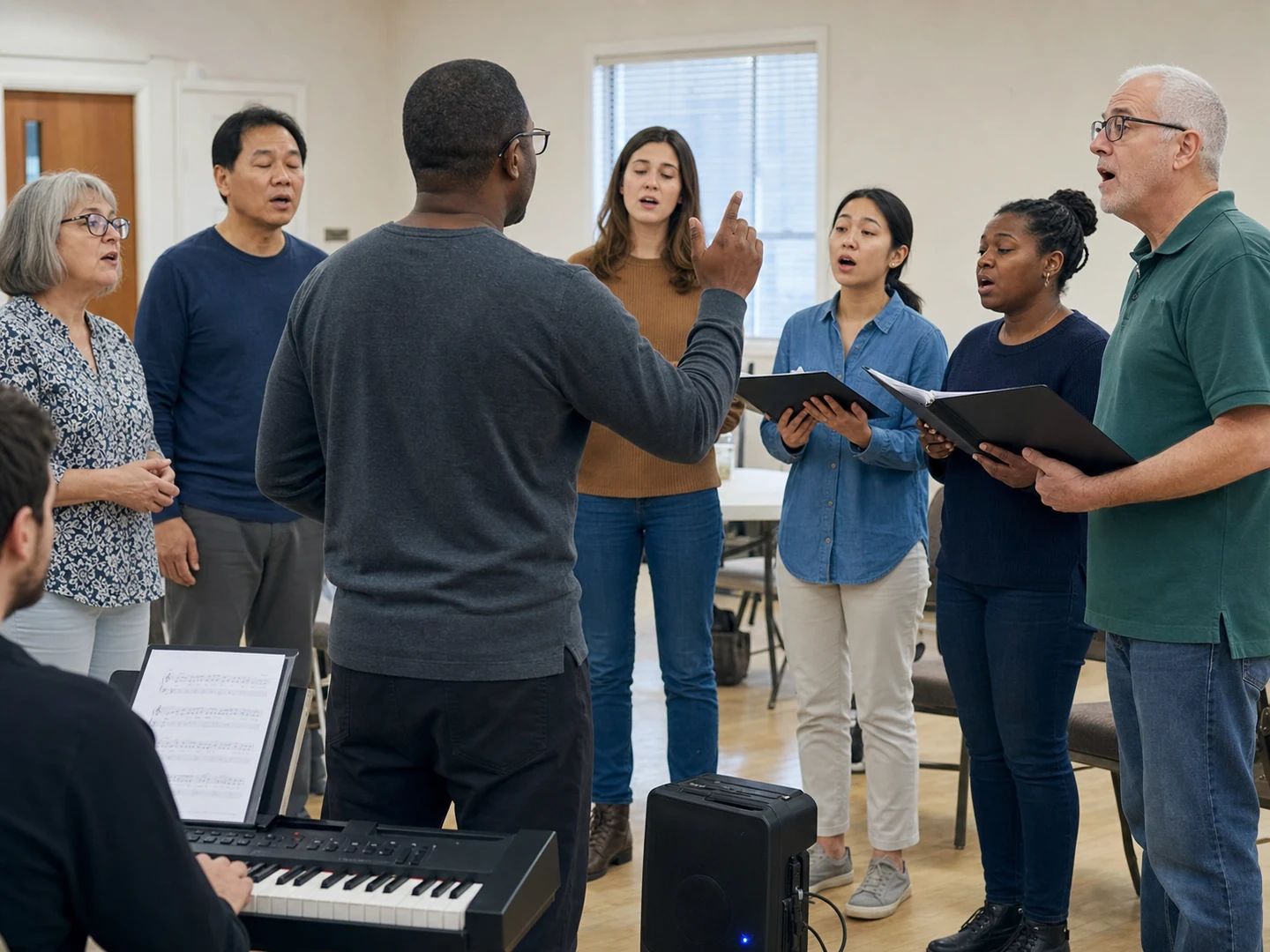
Take a recording down a few semitones so a congregation or a section can reach the whole melody.
Drop the file into the tool above. It detects the original key, then you either step by semitones, choose the key you want from the list, or pick a vocal range and let it work out the move. Preview it, then download the transposed track as an MP3 or a WAV.
Twelve either way, which is a full octave up or down. In practice anything past about three semitones starts to sound stretched on a full mix — the tool flags that point so you can listen before committing.
No. Pitch and tempo are shifted independently here, so transposing leaves the BPM exactly where it was. There is a separate speed control if you want to move both — and a pitch lock switch that decides whether speed changes drag the pitch with them.
Pick your voice type from the vocal range presets and start there — the tool moves the track towards the key that usually sits best for that range. Then nudge a semitone at a time while you sing along. Treat the preset as a first guess, not a diagnosis: ranges vary enormously between singers.
Because pitch shifting a finished mix means re-synthesising every instrument at once, and the further it moves, the more artefacts add up. Vocals and cymbals show it first. A semitone or two is usually inaudible; five or six will be obvious on anything but a sparse arrangement.
No. Both the key detection and the pitch shifting run inside this page as WebAssembly and Web Audio, so the track stays on your device. That is also why there is no queue and no account. The one limit is 50 MB per file, because your browser has to decode it in memory.
The full track at your current settings, as a 320 kbps MP3 or a 16-bit WAV — your pick. No watermark, no length trimming. Free, and without an account.
No — this works on audio. It shifts the pitch of a recording; it does not rewrite notation or a chord chart. If you have the audio and need the chart, transpose the audio here and read the new key off the result.
A free online song key changer and pitch shifter — semitones, target keys or vocal ranges, all in your browser.